

Better instruction following
It is well suited to prompts with multiple visual constraints, composition notes, and design requirements.
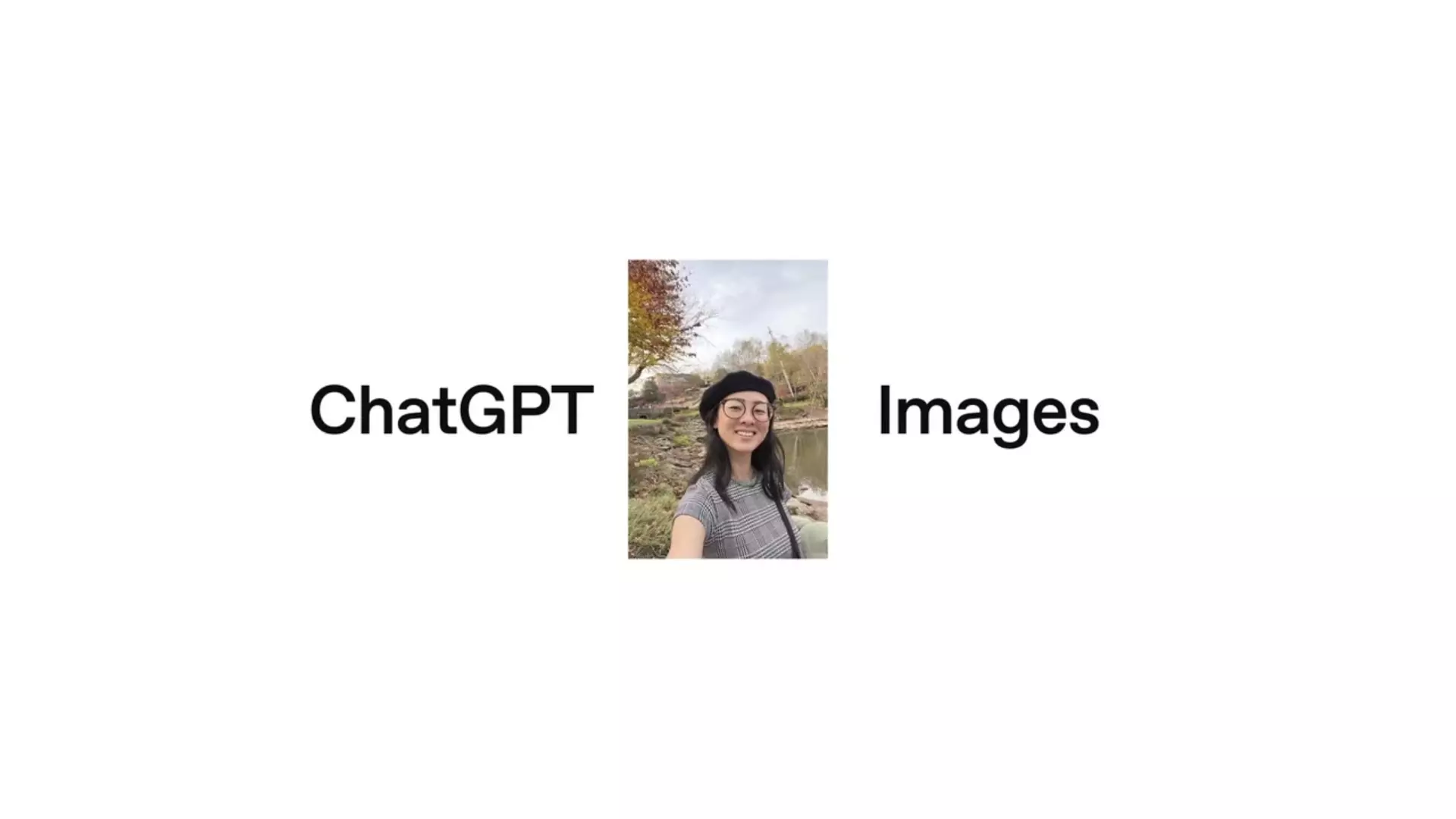
OpenAI's newer GPT Image model for stronger instruction following, sharper prompt adherence, detailed edits, and production image iteration.
Use GPT Image 1.5 when the image needs clearer instruction following, better typography attempts, or a more careful edit pass.
It is well suited to prompts with multiple visual constraints, composition notes, and design requirements.
Reference images and masks can steer local changes without rewriting the whole image.
Quality, size, and background controls make it useful for creative operations and brand review.
Treat the prompt like an art direction note: specific enough to constrain the result, short enough to avoid contradictions.
Name the artifact, audience, and format before describing style.
Add images for identity, product shape, or layout, not for unrelated mood clutter.
When editing, isolate the requested change and preserve the rest of the scene.
Use these notes as production guidance inside Creativ Studio. Provider availability and exact limits can vary by account, region, and model rollout.
High-quality image generation and editing
Text, images, and masks
Up to 32000 characters in the current Creativ Studio schema
Up to 16 image inputs in Creativ Studio
Exact logos and dense text still need human review
Use these as starting shapes, then swap in your own subject, references, and constraints.
Create a premium campaign image for a reusable water bottle on wet stone, sunrise rim light, realistic condensation, large empty area for headline text.
Keep the same subject and camera angle. Replace only the background with a clean studio wall, preserve the product color and reflections.
It is best for image generation and editing where prompt adherence, detailed visual direction, and polish matter.
Yes. Use references for product shape, character identity, composition, or style, and keep their roles clear.
Use GPT Image 1.5 when you want the strongest current quality. GPT Image 1 remains useful for general image work.