

Readable camera moves
Prompts can call for push-ins, tracking shots, handheld movement, and controlled reveals.
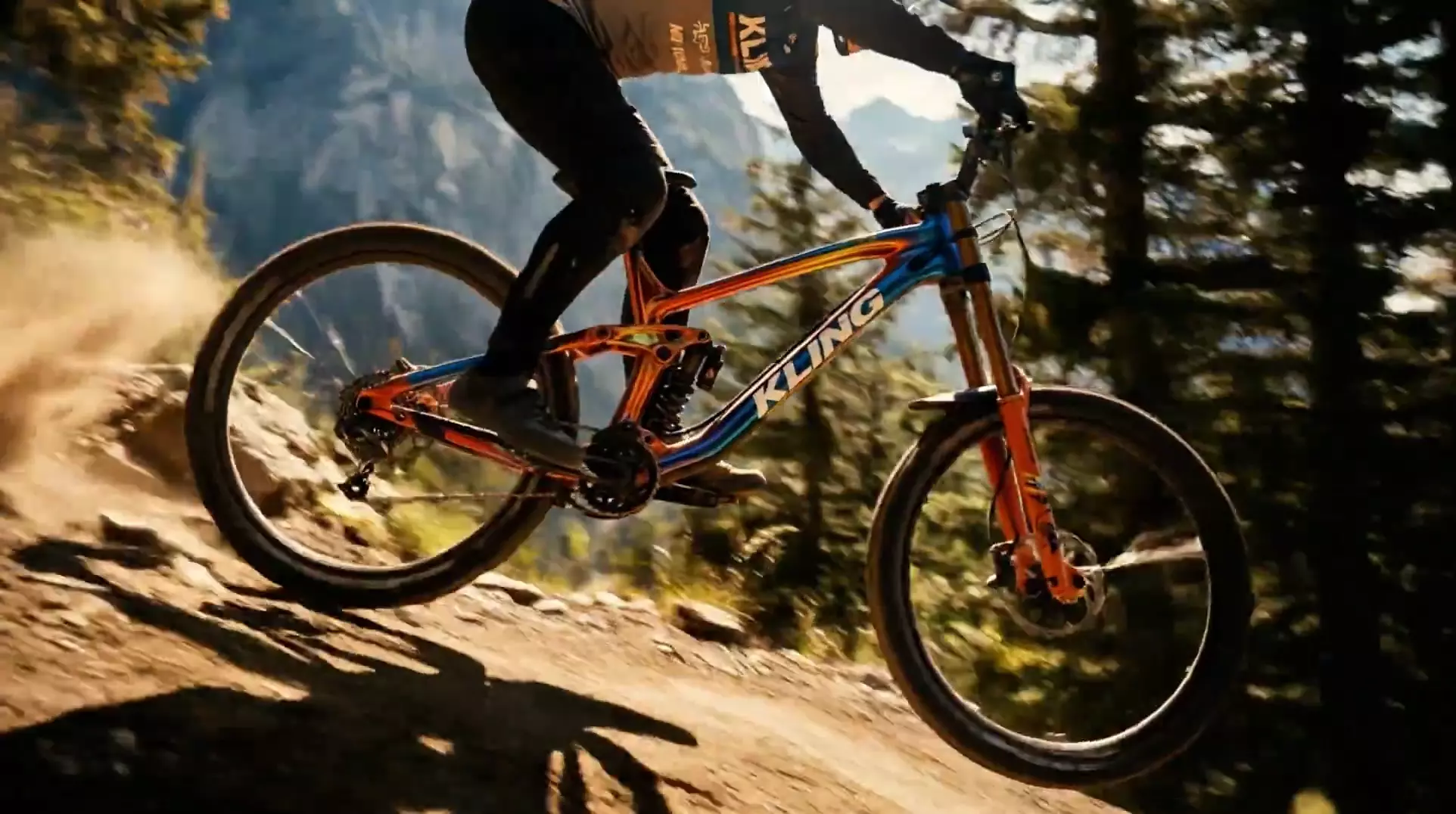
A prompt-led Kling video model for cinematic short clips, image-to-video starts, and direct control over camera, motion, and pacing.
Use Kling 3 when the scene is mostly defined by prompt and the goal is a clean, dynamic video shot.
Prompts can call for push-ins, tracking shots, handheld movement, and controlled reveals.
A still image can anchor the first frame, subject, or composition.
Good for concise clips where one action and one camera idea drive the shot.
Kling 3 responds well to prompts that separate subject action from camera action.
Name who or what is in the shot and what they are doing.
Add movement, lens feel, distance, and framing.
Mention what should stay stable, especially for product or character shots.
Use these notes as production guidance inside Creativ Studio. Provider availability and exact limits can vary by account, region, and model rollout.
Text-to-video and image-to-video shots
Text and image
3-15 seconds in Creativ Studio
720p and 1080p through Standard and Pro modes
Crowded scenes and chained actions are harder to keep stable
Use these as starting shapes, then swap in your own subject, references, and constraints.
Slow dolly forward through a misty forest path toward a small glowing cabin, soft morning light, stable cinematic motion.
Animate the reference image with a subtle breeze, slow camera push-in, preserve the subject shape and composition.
Use it for short cinematic video clips from prompts or image starts.
Use image input to anchor a starting composition. Choose Kling 3 Omni for heavier reference workflows.
Name one camera move clearly and avoid stacking several conflicting moves in the same shot.