



Fast exploration
Run more variations while testing action, camera movement, and pacing.
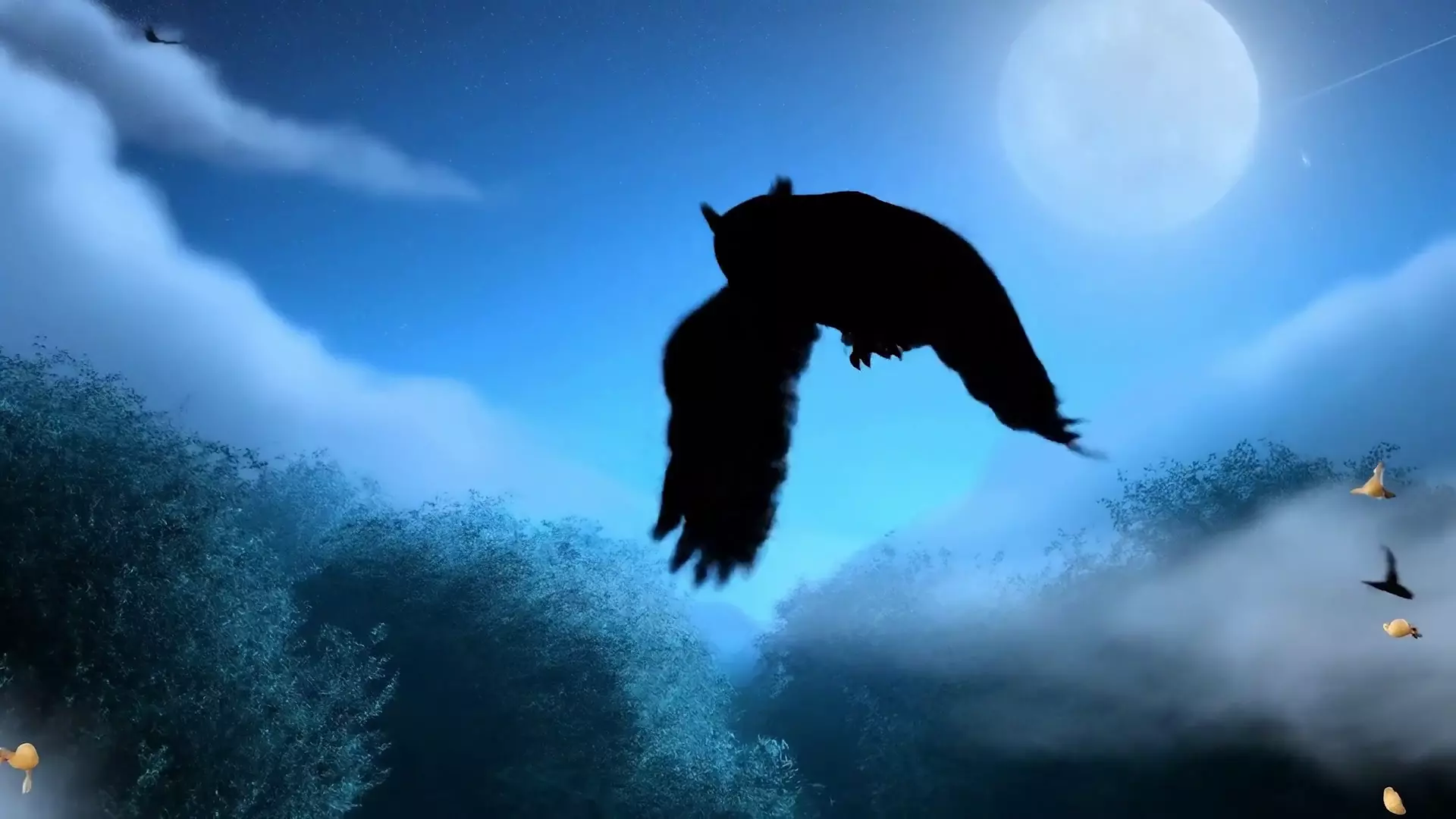
A faster Veo 3.1 variant for trying more shot ideas, testing motion language, and finding a usable direction before the quality pass.
Use Veo 3.1 Fast when you need to explore scene direction before spending time on the final pass.
Run more variations while testing action, camera movement, and pacing.
Include ambience, sound effects, or spoken direction while exploring.
Use images to keep composition or subject cues stable across attempts.
Fast works well as the scouting pass for a larger Veo workflow.
Focus the first pass on motion, camera, and scene readability.
Change one variable at a time, such as lens, pacing, or background.
Move the best direction to Veo 3.1 for a more polished pass.
Use these notes as production guidance inside Creativ Studio. Provider availability and exact limits can vary by account, region, and model rollout.
Rapid video concepting with audio
veo-3.1-fast-generate-preview
Text and images
720p and 1080p in Creativ Studio
Use standard Veo 3.1 when polish matters more than speed
Use these as starting shapes, then swap in your own subject, references, and constraints.
Wide shot of a skateboarder carving through an empty plaza at sunrise, smooth side tracking camera, wheels echoing on stone.
A quiet cafe table during a rainstorm, steam rising from coffee, soft thunder outside, slow push-in, warm interior light.
Use it for lower-latency video drafts, especially while exploring motion and tone.
Yes. It supports native audio output in the Veo 3.1 family.
You can, but use standard Veo 3.1 when the output needs stronger fidelity.