



Motion source control
Drive the character from an uploaded video or a library motion.
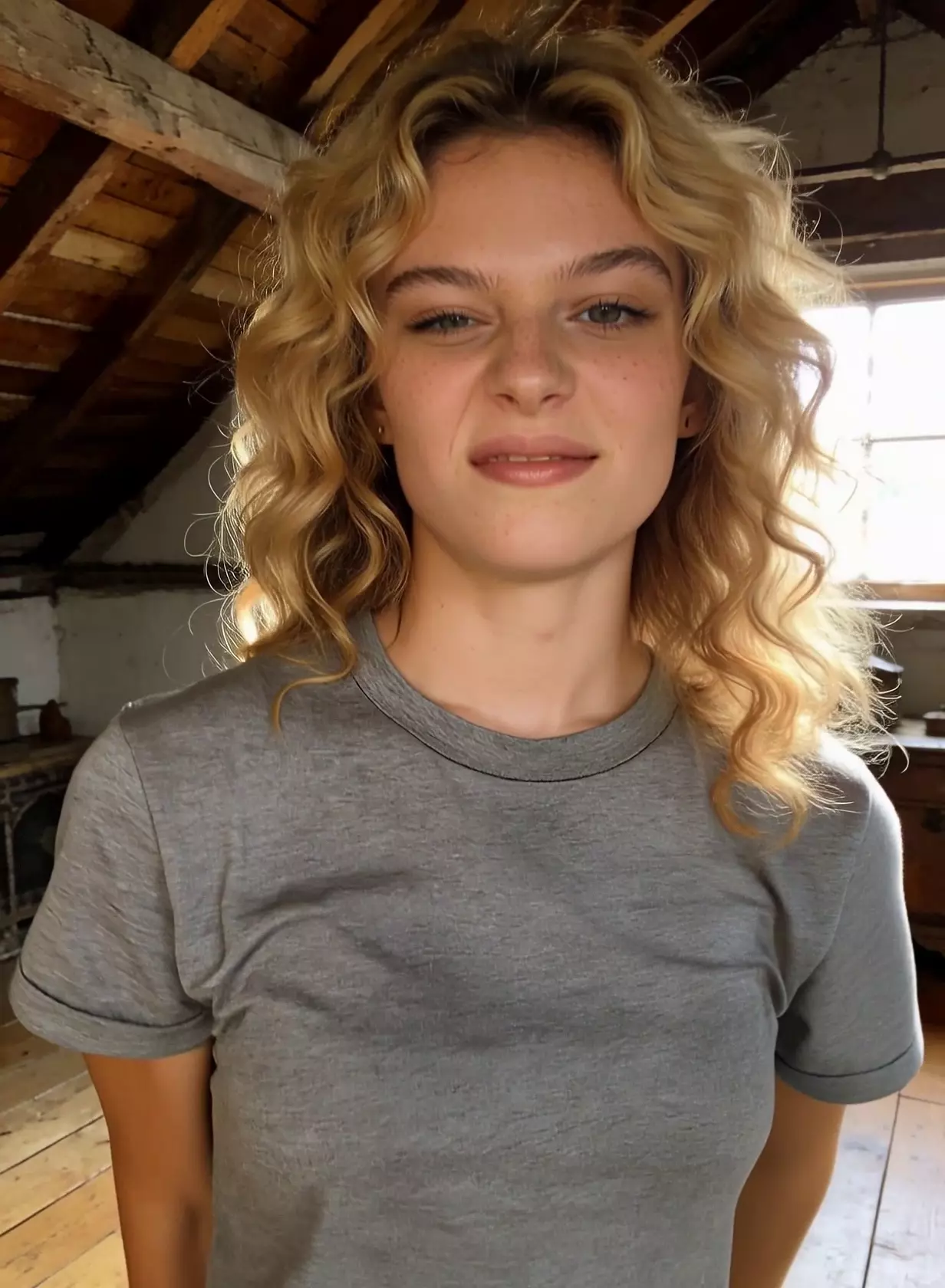
A character animation workflow for transferring motion from a video or motion library action onto one reference character image.
Use Kling 2.6 Motion Control when a character should follow a specific motion or expression reference.
Drive the character from an uploaded video or a library motion.
Element binding helps preserve facial identity during motion.
Use the prompt to define background, lighting, camera, and production style.
The strongest results come from a clean character image and a motion source with a readable body orientation.
Use a clear image with visible face and body details.
Pick a motion video or library action with the desired movement and pace.
Use element binding for face consistency, then prompt the scene around the action.
Use these notes as production guidance inside Creativ Studio. Provider availability and exact limits can vary by account, region, and model rollout.
Single-character motion and expression transfer
Uploaded video or motion library action
3-30 second reference videos
Usable output can be shorter for complex motion.
Facial information only
Multiple people or fast occlusion can reduce control
Use these as starting shapes, then swap in your own subject, references, and constraints.
Use the character image and motion reference. Keep the face recognizable, modern studio background, soft side light, smooth full-body framing.
Transfer the reference gesture to the character, medium shot, warm interior lighting, subtle expression, stable camera.
It transfers motion and expression from a source action to one character image.
Element binding uses facial information to help keep identity and expression more consistent.
Use a clear character image, a readable motion source, and avoid crowded scenes with several people.