



Reference-rich inputs
Combine text, images, videos, and audio references for more specific direction.
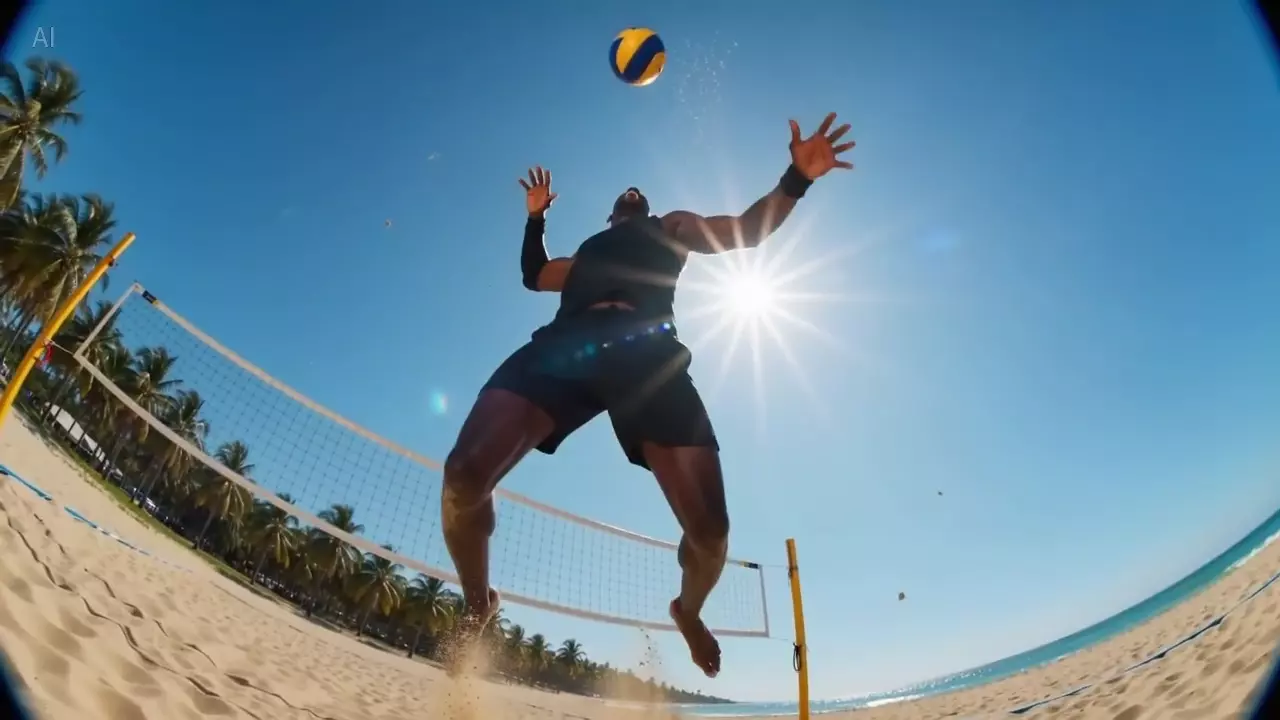
A multimodal Seedance video model for text, images, video, and audio inputs with optional native audio output.
Use Seedance 2.0 when the video brief needs references, audio cues, or start-end frame control.
Combine text, images, videos, and audio references for more specific direction.
Generate clips with sound rather than treating audio as a later add-on.
Use auto duration or choose a specific length from Creativ Studio's supported range.
Seedance 2.0 rewards well-labeled inputs and a prompt that explains how they should influence the clip.
Choose text, references, or start-end frames based on what needs control.
Use images for visual identity, videos for motion, and audio for sound direction.
Check lip sync, ambient sound, timing, and visual continuity in one pass.
Use these notes as production guidance inside Creativ Studio. Provider availability and exact limits can vary by account, region, and model rollout.
Multimodal video generation with audio
Text, up to 9 images, up to 3 videos, and up to 3 audio clips in Creativ Studio
Auto or 4-15 seconds in Creativ Studio
480p, 720p, 1080p, and 4K in Creativ Studio
Audio references cannot carry the generation alone; include visual direction too
Use these as starting shapes, then swap in your own subject, references, and constraints.
A street musician plays saxophone under warm evening lights, slow handheld camera, soft crowd ambience, natural synchronized performance.
Use the image reference for character appearance and the audio reference for mood. Create a calm walking shot through a quiet market.
In Creativ Studio, it can use text, images, video references, and audio references.
Yes. It supports native audio output when enabled.
Use Fast for drafts and standard Seedance 2.0 for more deliberate quality passes.